
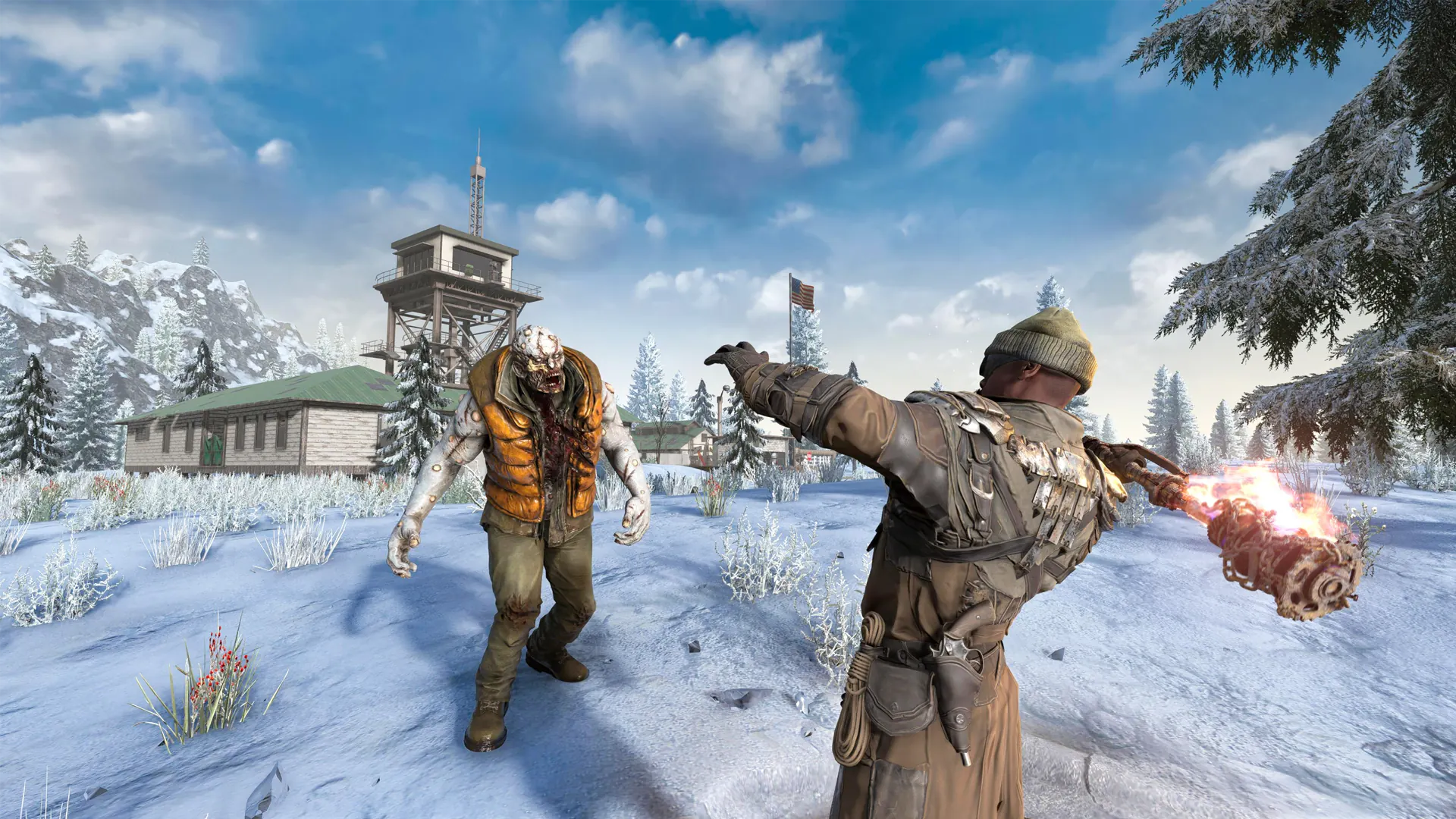
7 Days to Die configuration
Build the server your community needs.
Choose the deployment location, billing term, resources, and available server options before continuing to checkout.
Deployment location
Choose where your game server will be deployed.
Miami and Dallas will become selectable when game-server capacity is ready.
Billing term
Choose how often you are billed.
Server resources
vCPU
1 Cores
RAM
2 GB DDR4
NVMe Storage
10 GB NVMe
Server options
Game-specific features
Included with your 7 Days to Die server.
Compatibility depends on the server software selected during checkout. Supported features and controls are available from the game panel.
Service features
- Latest Alpha/Stable support
- Mod support via Mod Launcher
- Custom world generation settings
- Automated horde night scheduling
- Allocs server fixes & web map
- Automated backups & restarts
The server controls stay in one place.
Open the console, manage files, review resource use, and reach supported game settings without switching tools.
- Web console and power controls
- File manager and supported backups
- Schedules, databases, and sub-users
Active service
Minecraft server
Main world
Address
play.example.net
Software
Paper
Resources
7 Days to Die questions
Before you configure.
Review the service basics or ask us about your planned server setup.
We support both the latest Alpha and stable releases. Switch between versions through the control panel.
Yes. Install mods through the built-in mod launcher or upload them manually via SFTP.
Our NVMe storage and high-clock CPUs keep chunk loading and horde nights smooth even hundreds of days in.
Configure your 7 Days to Die server.
Choose the resources and options your server needs, then review the complete configuration before checkout.