
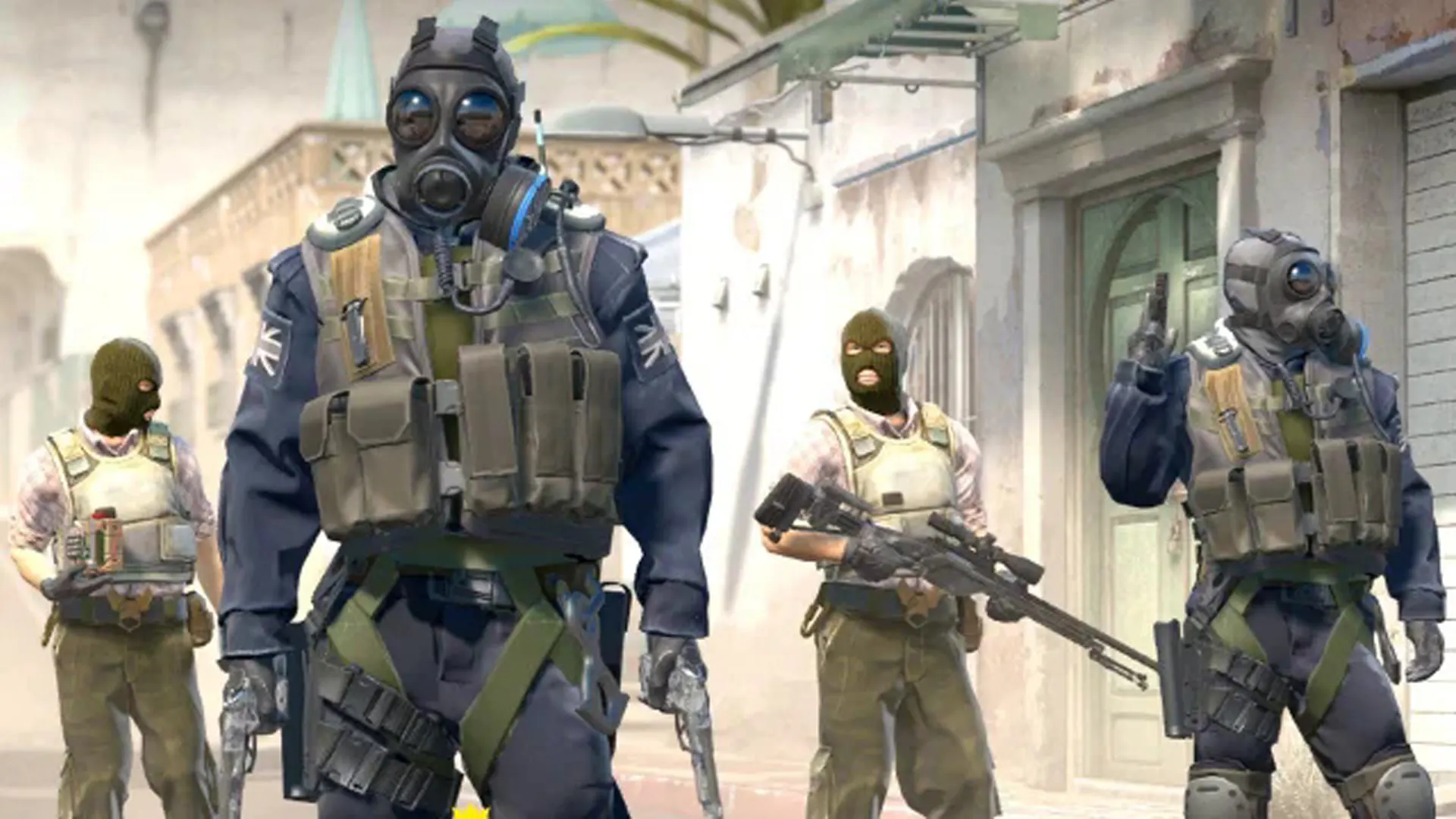
CS2 configuration
Build the server your community needs.
Choose the deployment location, billing term, resources, and available server options before continuing to checkout.
Deployment location
Choose where your game server will be deployed.
Miami and Dallas will become selectable when game-server capacity is ready.
Billing term
Choose how often you are billed.
Server resources
vCPU
1 Cores
RAM
2 GB DDR4
NVMe Storage
10 GB NVMe
Server options
Game-specific features
Included with your CS2 server.
Compatibility depends on the server software selected during checkout. Supported features and controls are available from the game panel.
Service features
- 128-tick server support
- SourceMod & MetaMod compatible
- Custom map pools & workshop maps
- Match configuration presets
- GOTV for match recording
- RCON for remote administration
The server controls stay in one place.
Open the console, manage files, review resource use, and reach supported game settings without switching tools.
- Web console and power controls
- File manager and supported backups
- Schedules, databases, and sub-users
Active service
Minecraft server
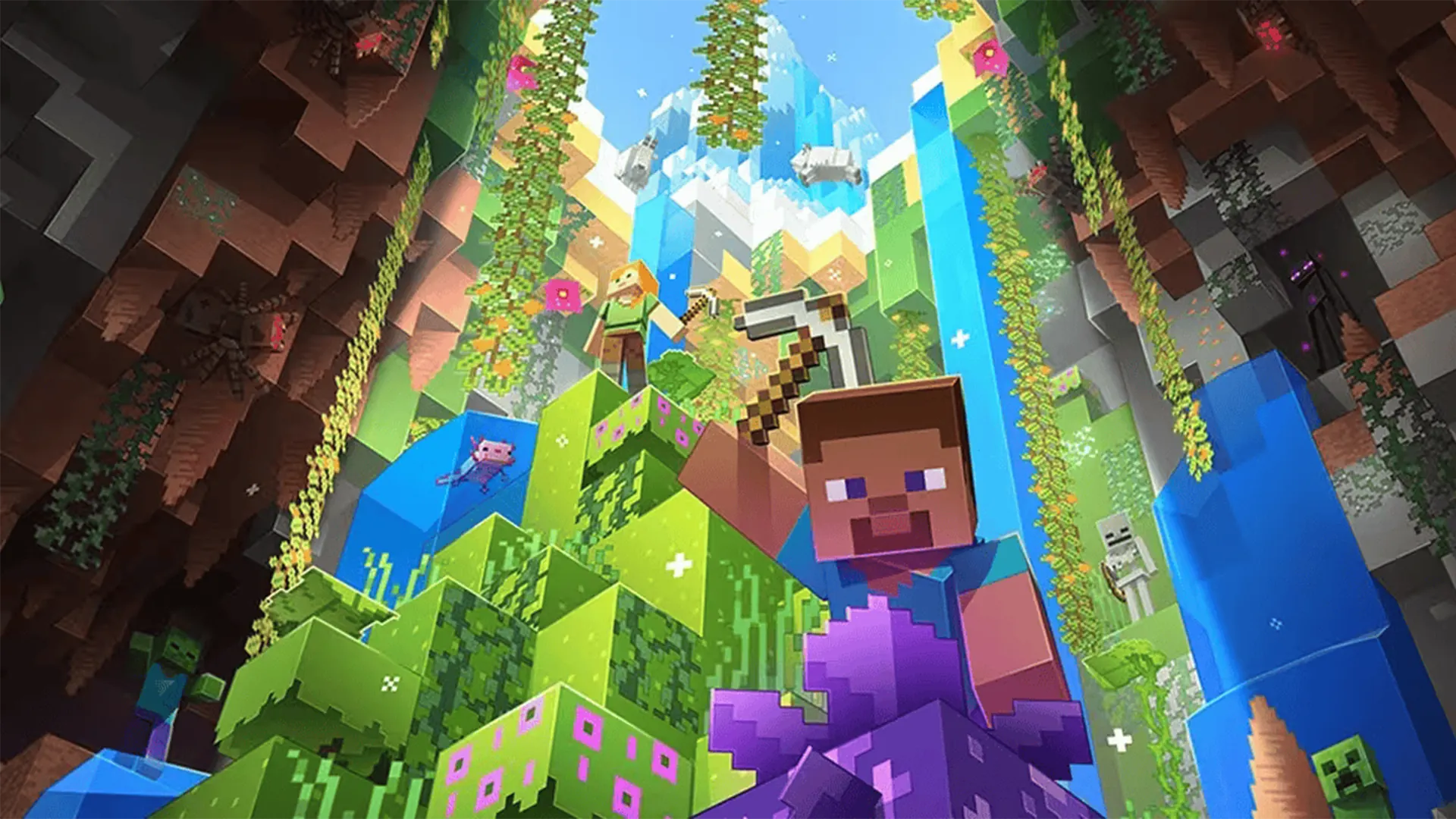
Main world
Address
play.example.net
Software
Paper
Resources
CS2 questions
Before you configure.
Review the service basics or ask us about your planned server setup.
Yes. All CS2 servers run at 128-tick rate for the most responsive competitive gameplay.
Yes. SourceMod and MetaMod are fully supported. Install any plugin through the file manager or SFTP.
Yes. Subscribe to workshop maps and configure custom map rotations through the control panel.
Configure your CS2 server.
Choose the resources and options your server needs, then review the complete configuration before checkout.